Quick Answer: Negative keywords help advertisers better target their ads by blocking irrelevant searches so ads only show to high-intent buyers. This lowers cost per click, improves Quality Score, raises CTR, and protects ad budget from wasted spend. Research shows negative keywords help reduce wasted spend by roughly 25 percent, and most ecommerce brands recover meaningful budget within 30 days of cleaning their list.
If your CAC keeps climbing and your ROAS is flat, your campaigns are not broken. Your negative keyword list is.
We audit ad accounts for D2C brands every week. The pattern is the same: 6-month-old campaigns, zero negatives added, big chunks of budget burning on junk clicks. This guide fixes that today.
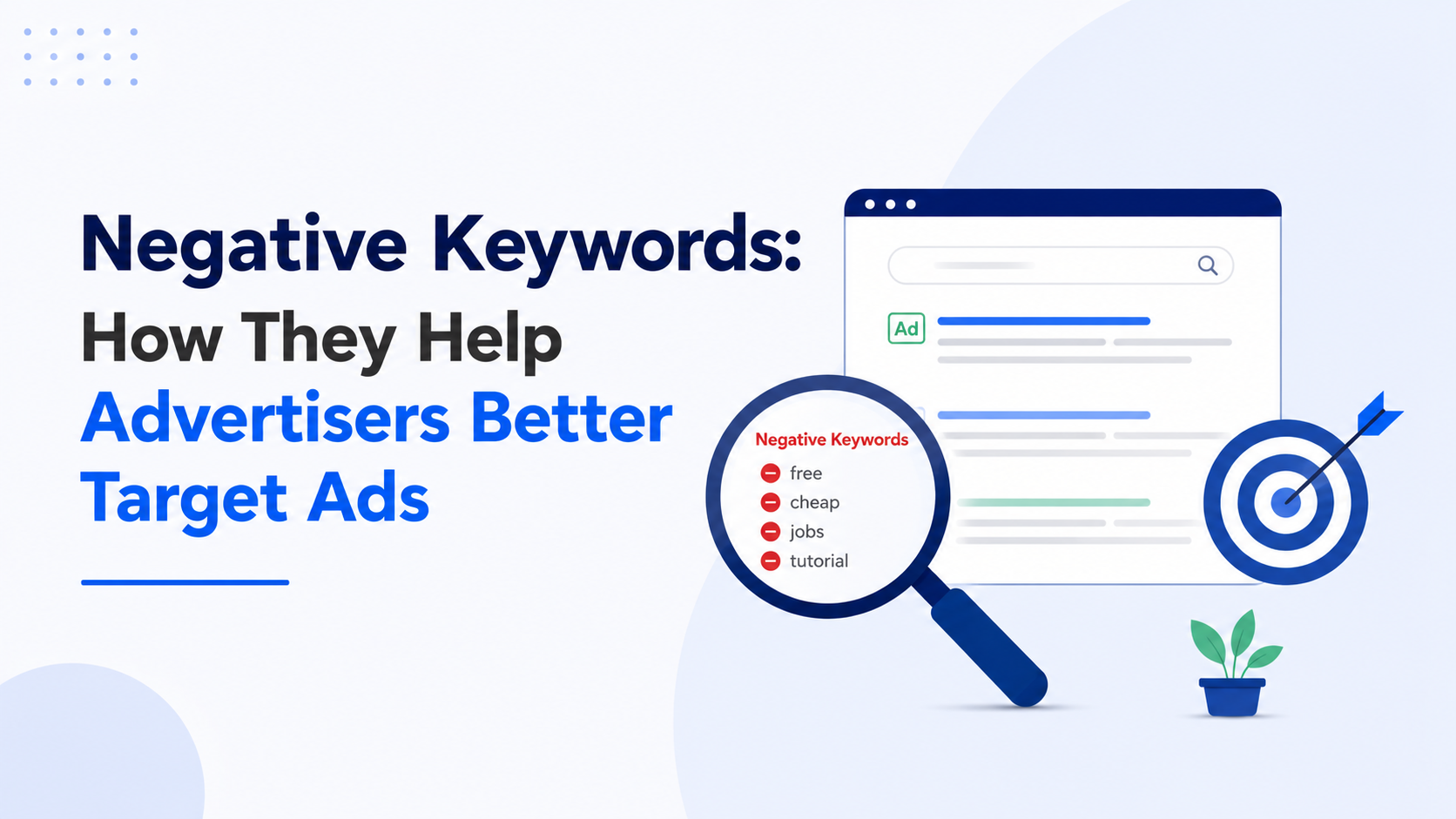
What Are Negative Keywords
Negative keywords are words or phrases you tell Google, Microsoft, or Amazon Ads NOT to show your ads for.
Think of them like a bouncer at your store. Regular keywords let buyers in. Negative keywords keep the wrong crowd out.
Example: You sell premium leather wallets. Someone searches “free wallet template.” Without a negative keyword, Google might show your ad. They click, bounce, and your money is gone. Add “free” and “template” as negative keywords, and that click never happens again.
According to Google’s official documentation, negative keywords work for Search and Shopping campaigns, and a maximum of 1,000 negative keywords can be applied at the account level.
How Negative Keywords Help Advertisers Better Target Their Ads
Here are 5 ways negative keywords improve targeting, with verified industry data:
- Higher click-through rate (CTR): Ads show only to interested users, so click rates rise
- Lower cost per click (CPC): Google rewards relevance with cheaper clicks. Each point increase in Quality Score reduces CPC by an average of 13 percent, according to Google’s internal data
- Better Quality Score: Moving from a lower to higher Quality Score can meaningfully cut costs. Industry data shows roughly 36 percent of all Google Ads keywords have a Quality Score of 5 or below, meaning over a third of advertiser spend carries a CPC penalty
- Higher conversion rate: You pay only for buyers, not browsers
- Stronger ROAS: Same budget, better return. The median ROAS across Google Ads dropped about 10 percent in 2025, with CPCs rising 12.88 percent, making negative keyword discipline more important than ever
This is why negative keywords are the highest-ROI lever in any PPC account. They cost nothing to add and protect spend every month.
Why Most Ecommerce Brands Skip This (And Lose Money)
The 2026 cost climate is brutal. The average CTR across all industries on Google search ads sits at 6.66 percent in 2026, average CPC is $2.69 for search, and cost per click rose for 87 percent of industries over the past 12 months.
That means every wasted click costs more in 2026 than it did last year.
From auditing dozens of ecommerce accounts doing ₹50L to ₹5Cr per month, the pattern looks like this:
- Most brands rarely review their Search Terms Report
- Many campaigns run with zero negative keywords for months
- Agencies set up campaigns but skip weekly optimization
- Founders blame “the algorithm” when the real issue is bad targeting
A D2C skincare brand we onboarded was spending ₹4.2L per month on Google Ads. After cleaning their negative keyword list in week one, their CAC dropped meaningfully in the first month. Same products. Same creatives. Just smarter exclusions.
The 7 Types of Negative Keywords Every Ecommerce Brand Needs
This is the exact list our team applies to every new client account on day one.
1. Free and Cheap Modifiers
Block: free, cheap, DIY, template, sample, download, freebie, no cost
People searching for free stuff rarely buy. This category alone usually saves a chunk of ad spend.
2. Job and Career Searches
Block: jobs, salary, career, internship, hiring, resume, vacancy, recruitment
If you sell “marketing software,” you’ll get clicks from people searching “marketing jobs near me.”
3. Informational Searches (No Buying Intent)
Block: how to make, recipe, homemade, tutorial, guide, what is, definition, meaning, history of
These are research searches. Save them for SEO blogs, not paid ads.
4. Wrong Product Type
Examples:
- Selling running shoes? Block: kids, baby, slippers, formal, used, fake
- Selling premium tea? Block: bag, free, recipe, plant, leaf supplier
5. Competitor Brand Names (Conditional)
If you sell a generic version, block competitor names. If you bid against them directly, keep them and use comparison landing pages.
6. Used, Refurbished, and Discount Hunters
Block: used, second hand, refurbished, broken, repair, return, coupon, promo code (unless you actively run codes)
7. Geographic Exclusions
If you only ship to India, block: USA, UK, Canada, plus country names you don’t serve.
How to Build Your Negative Keyword List in 30 Minutes
Here’s the exact process our team uses for every client account.
Step 1: Open Your Search Terms Report Google Ads > Campaigns > Insights > Search Terms
Step 2: Sort by Cost (Highest First) Look at the top 50 search terms eating your budget.
Step 3: Filter for Zero Conversions If a search term spent over $500 with no conversions in 30 days, it’s a waste.
Step 4: Spot the Pattern Words You’ll see words like “free,” “review,” “vs,” “is it worth it” repeating. These are your negatives.
Step 5: Add as Phrase Match Negatives Phrase match works best in most cases. It blocks the unwanted theme without over-blocking.
Step 6: Create a Shared Negative Keyword List Use it across all campaigns. Saves hours every week.
Step 7: Repeat Weekly New junk terms appear every 7 days. Block them before they drain serious budget.
This is exactly the kind of repetitive, profitable work that an offshore ecommerce team handles daily without missing a week.
Negative Keyword Match Types (Where Most People Mess Up)
Match types decide how aggressively your exclusion works. Get this wrong and you either block too much or too little.
| Match Type | What It Blocks | When to Use |
|---|---|---|
| Broad Match | Searches containing all your words in any order | Use sparingly, can over-block |
| Phrase Match | Searches with your exact phrase in order | Best for most cases |
| Exact Match | Only the exact search term | When blocking specific high-cost terms |
Rule of thumb: Start with phrase match. Move to exact only when you have specific terms wasting big budget.
Platform-Specific Negative Keywords (2026 Update)
This is where most articles stop. But ecommerce brands run ads on multiple platforms, and each works differently in 2026.
Google Ads (Search, Shopping, Performance Max)
Google made big changes in 2025 and 2026. In March 2025, Google increased the Performance Max negative keyword limit from 100 to 10,000 per campaign. In August 2025, they rolled out shared negative keyword list support for PMax.
For Search campaigns, the official threshold is 5,000 keywords per negative keyword list, though some advertisers have reported successfully adding more.
Microsoft Advertising (Bing)
Big news for 2026. Self-serve negative keyword lists went live in Microsoft Advertising in February 2026. Lists support up to 5,000 negative keywords and can be applied at either the campaign or account level. Match types function the same way in Performance Max as they do in traditional Search campaigns.
Microsoft notes that match type formatting requires brackets for exact match and quotation marks for phrase match.
Amazon Ads (Sponsored Products, Sponsored Brands)
Amazon works differently from Google. Regular Amazon keywords have three match types (broad, phrase, exact), but negative keywords only have two: phrase and exact. Amazon allows a maximum of four words for negative phrase match.
Exact match negative keywords are generally best used at the ad group level for granular control. For a complete strategy, read our guide on how to reduce ACOS on Amazon.
Meta and Facebook Ads
Meta does not use traditional negative keywords. Instead, use exclusion audiences and negative interest targeting to achieve a similar filtering effect. Learn more about Meta tracking and optimization in our Meta Conversion API guide.
Real Case Study: How One Tea Brand Doubled ROAS in 30 Days
We onboarded a Shopify brand selling organic teas in March 2026. Their starting numbers:
- Monthly Google Ads spend: ₹2.8L
- Starting ROAS: 1.6x
- Top wasted search terms: “tea benefits,” “free tea samples,” “how to make tea at home,” “tea recipe”
What we did in week one:
- Added 147 negative keywords across campaigns
- Set up automated rules to flag new low-quality terms
- Built a weekly review process with the founder
Result after 30 days: ROAS climbed past 3x. No new creatives. No bigger budget. Just disciplined exclusion.
That same brand now runs the process weekly through their dedicated team, and ROAS has held strong for six months.
Common Negative Keyword Mistakes That Kill Campaigns
Avoid these traps. We see them in 8 out of 10 audits.
- Over-blocking: Adding 500 negatives in one go can suffocate reach. Review monthly
- Forgetting Shopping campaigns: Negatives work differently here. Test carefully
- Not using shared lists: Build one master list, apply across campaigns. Saves hours
- Blocking branded searches: “Your brand + review” is a high-intent buyer. Never block it
- Ignoring close variants: Google’s broad and phrase match have expanded significantly. A SaaS company bidding on “project management software” might find their ads showing for “project management certification” or “project management job description”
- Setting and forgetting: New junk terms appear weekly. This is not a one-time job
Tools That Make Negative Keyword Management 10x Faster
- Google Ads Editor (free, bulk add negatives in seconds)
- Search Terms Report (built into Google Ads, criminally underused)
- Optmyzr (paid, automation rules for negatives)
- Adalysis (paid, AI-powered suggestions)
- Microsoft Advertising Editor (free, supports the new self-serve negative lists)
For more on smart automation across your ecommerce stack, read our guide on ecommerce marketing automation.
Your 48-Hour Action Plan
If you’re running paid ads right now, do this in the next 2 days:
- Pull your last 30-day Search Terms Report
- Identify the top 20 non-converting search terms
- Add them as phrase match negatives
- Set a weekly recurring calendar reminder to repeat the process
- Track your CPC and ROAS for the next 14 days
Most brands see CPC drop within a week. ROAS catches up in 14 to 21 days.
The Real Problem: Who Does This Work Every Week?
Here’s the truth most founders avoid: negative keyword management is not sexy. It’s repetitive. It needs someone reviewing your ad account every single week without fail.
This is where most ecommerce brands lose money:
- Agencies set up campaigns but rarely optimize negatives weekly
- Freelancers forget after month two
- In-house teams get pulled into product launches and fire-fighting
- Founders try to do it themselves at midnight and skip weeks
This is exactly why a dedicated team beats an agency for ongoing PPC work. Agencies optimize when you flag a problem. A dedicated team owns the outcome.
At AcquireX, we build offshore teams that handle this kind of execution daily. Not as a task. As a system. Your team reviews search terms, updates negatives, tests exclusions, and reports what’s working every week.
You focus on growth. We handle the execution.
Frequently Asked Questions
How do negative keywords help advertisers better target their ads?
Negative keywords help advertisers better target ads by blocking irrelevant searches so ads only appear to high-intent buyers. This improves CTR, lowers CPC, boosts Quality Score, and increases ROAS.
How many negative keywords can I add to a Google Ads campaign?
For Search campaigns, the official limit is 5,000 keywords per negative keyword list. For Performance Max campaigns, the limit was raised from 100 to 10,000 in March 2025. At the account level, you can apply up to 1,000 negative keywords.
What’s the difference between negative keywords and regular keywords?
Regular keywords trigger your ads. Negative keywords stop your ads from showing. They work together to refine targeting.
How often should I update my negative keyword list?
Weekly for high-spend campaigns (₹50K+ per month). Bi-weekly for smaller campaigns. New junk searches appear every week, especially with how aggressively close variants now match.
Do negative keywords work on Amazon Ads?
Yes. Amazon supports negative phrase match and negative exact match for Sponsored Products and Sponsored Brands. Note that Amazon allows a maximum of four words for negative phrase match. Review your Search Term Report weekly.
Do negative keywords work on Microsoft Ads Performance Max?
Yes. Since February 2026, Microsoft Advertising offers self-serve negative keyword lists for Performance Max campaigns, supporting up to 5,000 keywords per list at either campaign or account level.
Can negative keywords hurt my campaigns?
Yes, if you over-block. Avoid blocking branded searches and your own product variants. Start with phrase match negatives and watch impression volume.
What is the best match type for negative keywords?
Phrase match works in most cases. Use exact match for specific high-cost terms. Use broad match negatives carefully, since they can block too aggressively.
Final Word
Negative keywords are the single highest-ROI lever in any PPC account. They cost nothing to add. They save real money every month. And almost no one runs them properly.
If you don’t have someone reviewing your search terms every week, you’re leaking money. It’s that simple.
Want to know how much your ad account is wasting? Book a free 20-minute audit with our team. We’ll pull your Google, Meta, Microsoft, or Amazon account, show you the leaks in real time, and give you a list of negative keywords to add today. No pitch. Just numbers.