Your new product just went live. The listing looks great. Then nothing happens. No reviews. No sales. Shoppers scroll right past it.
That is the cold start problem, and it kills new Amazon products every day. People will not buy without reviews. But you cannot get reviews without buyers. It is a trap.
The Amazon Vine program is one of the few legal ways out of it. And in 2026, there is a new twist that changes the math for launches: you can now collect Vine reviews before your listing goes live, so your product can launch with reviews already on the page.
So is Vine worth it for a new launch? Often yes, but only when you time it right and your numbers work. This guide gives you the real costs, the 2026 rule changes, a launch-day timeline, and a simple framework to decide before you spend a dollar.
Quick Answer
Amazon Vine is worth it for most new product launches when three things are true: your product is genuinely ready, your margin can absorb giving away free units, and your listing already looks good enough to convert. It is the fastest legal way to get early reviews, and the new pre-launch option lets you go live with social proof on day one.
It is not worth it for thin-margin products, products with known quality issues, or listings that already have plenty of reviews.
What Is the Amazon Vine Program?
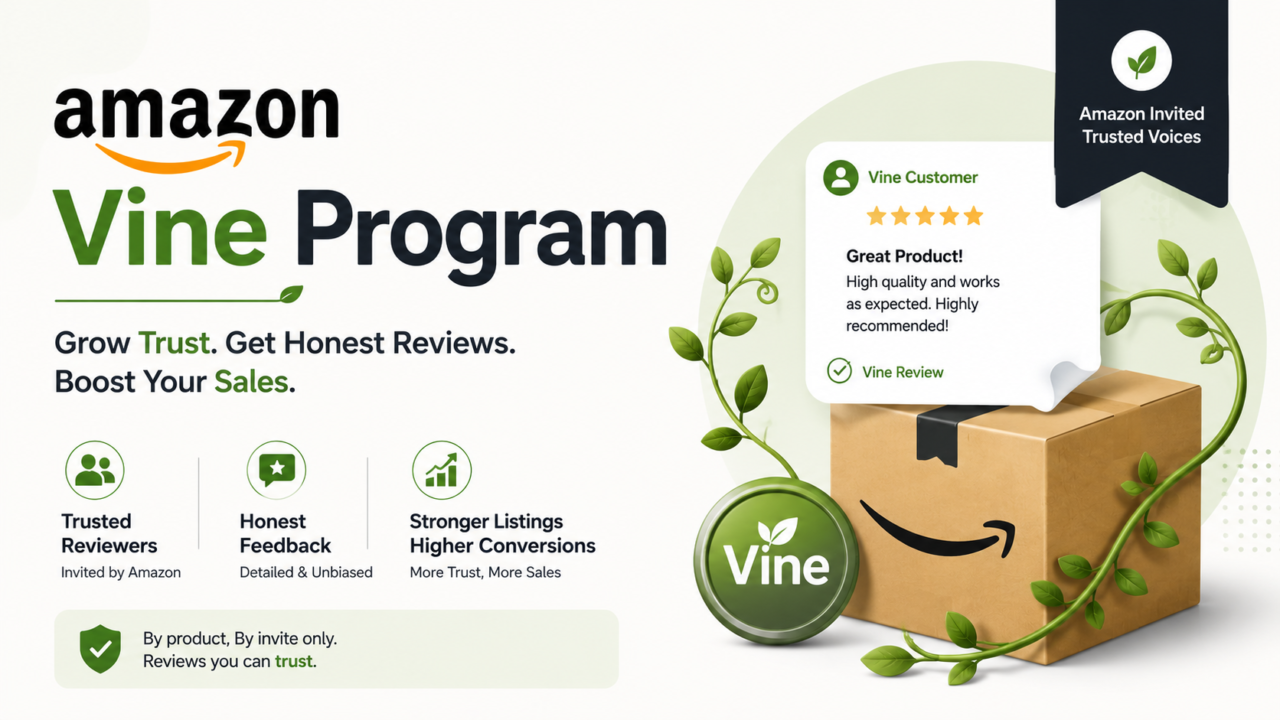
Amazon Vine is Amazon’s official review program. You enroll a product. Amazon offers free units to a group of trusted reviewers called Vine Voices. They test your product and post honest reviews on your listing.
A few things make Vine different from the shady review tricks that get accounts banned:
- Reviews are honest. They can be good, bad, or in between.
- You cannot edit or remove them.
- Each one carries a badge that reads “Vine Customer Review of Free Product.”
- It is the only Amazon-approved way to trade free product for reviews.
Old review hacks are now banned, and Amazon’s systems for catching fake reviews are far smarter than they were a few years ago. Vine stays clean because Amazon runs the whole thing. You never talk to the reviewer.
The 2026 Game Changer: Pre-Launch Reviews
This is the part most older guides miss, and it is the biggest reason Vine matters for new launches now.
Amazon now lets you enroll a product in Vine before it goes live for sale. Here is how it works:
- You create your FBA listing and enroll it in Vine. You can do this even before your inventory reaches Amazon.
- Once your stock arrives, Vine Voices can claim and review it.
- Those reviews stay hidden from everyone, including you, until your official launch date.
- On launch day, up to 30 reviews can appear on your page at once.
Think about what that means. Instead of launching to an empty listing and hoping for reviews, you launch with a crowd already vouching for you. No more “naked listing” phase where shoppers skip you for having zero stars.
Amazon’s own guidance, shared by a Seller Central community manager, gives the timing that makes this work:
- Enroll and have inventory at Amazon at least three weeks before your planned launch date.
- About 25% of reviews land within 5 days of a reviewer claiming the unit.
- About 99% land within 35 days.
So if you want reviews live on launch day, count back at least three weeks and get your inventory in early.
Who Can Use Vine? (2026 Rules)
Vine is not open to everyone. You must check every box below.
- Professional Seller account. Individual accounts do not qualify. A Pro account costs $39.99 per month.
- Brand Registry. Your brand must be enrolled in Amazon Brand Registry with a verified trademark.
- FBA only. Merchant-fulfilled listings are not eligible.
- Fewer than 30 reviews. The parent ASIN must have under 30 reviews when you enroll.
- New condition. Used, renewed, or refurbished products are excluded.
- Allowed category. Adult, digital, and some restricted products do not qualify.
One change worth knowing: Amazon expanded Vine access beyond brand owners. Authorized resellers listed under a brand’s Registry can now enroll eligible products too, as long as they are Professional sellers in the right brand role.
The rule that trips people up most: each ASIN can only be enrolled in Vine once in its lifetime. If even one unit is claimed, you cannot enroll that ASIN again. You get one shot. Use it on your launch or relaunch window, not before the product is ready.
What Does Vine Cost in 2026?
Most sellers look at the enrollment fee and stop there. That is the mistake that wrecks the math.
The enrollment fee (check your own account)
Here is where you need to be careful. Sources disagree on the current fee, and so do seller accounts. Two patterns show up in 2026:
- A tiered fee of $0 for 1 to 2 units, $75 for 3 to 10 units, and $200 for 11 to 30 units.
- A flat $200 per parent ASIN regardless of unit count.
Amazon has shifted this pricing more than once, and it can vary by marketplace and account. So the only number you should trust is the one shown inside your own Seller Central, under Advertising, then Vine, right before you confirm. Do not budget off a blog figure, including this one.
Good news on timing: you are charged after the first Vine review posts. If no reviews come in within 90 days, the fee is generally waived. But you still lose any units that shipped.
The hidden costs that actually matter
The fee is the small part. The real cost stack has five buckets, and four of them are invisible until your units ship:
- Enrollment fee (whatever your account shows)
- Cost of goods for every free unit
- FBA fees on each unit shipped to a reviewer
- Inbound shipping to Amazon
- A higher early return rate than normal
Stack all five and the true cost per review runs well above the headline. For a $24 product, the fully loaded cost per Vine review typically lands between $35 and $55, which is two to four times what the fee alone suggests.
The Real Vine Math: A Worked Example
Numbers beat opinions. Copy this with your own figures.
The product: A $30 item. Cost of goods is $8 per unit. FBA fee is $5 per unit. You enroll 30 units.
Total Vine investment:
- Enrollment fee: $200
- Free units: 30 x $8 = $240
- FBA fees: 30 x $5 = $150
- Total: $590
Reviews you can expect: Not every Vine Voice posts. A safe planning number is about 70%. So 30 units x 0.7 = roughly 21 reviews.
Cost per review: $590 / 21 = about $28 per review.
The payback: Say those reviews lift conversion enough to add 12 extra sales per month at $9 profit each. That is $108 per month. You break even in about five to six months, and everything after that is profit.
Run this same math on your SKU before you enroll. Amazon’s free FBA revenue calculator helps you get the fee numbers right. If your cost per review climbs past $50, or your break-even runs past three to four months, slow down and rethink it.
Your Launch Timeline With Vine
Here is how the pieces fit together for a new product. Adjust the dates to your own plan.
3 to 4 weeks before launch
- Finalize your listing. Title, bullets, images, and A+ Content all done.
- Send inventory to Amazon.
- Enroll the ASIN in Vine and set your launch date.
2 to 3 weeks before launch
- Inventory arrives. Vine Voices start claiming and reviewing.
- Reviews stay hidden until launch day.
Launch day
- Flip the listing live. Up to 30 reviews appear at once.
- Start light PPC on a few exact keywords you can win.
Days 1 to 30 after launch
- Read every Vine review like a focus group. Fix listing copy or images based on what they flag.
- Scale ad spend only after you see the first 10 to 15 reviews land.
Day 30 and beyond
- Treat the product as launched.
- Switch to the free Request a Review tool for steady reviews from real buyers.
When Vine Is Worth It
Vine pays off in clear cases. It is not a button you press on every product.
Enroll when:
- Your product is new with zero or few reviews. This is the core use case.
- You sell in a trust-gated category. Baby, supplements, beauty, and pet products rarely convert well without review volume in the 25-plus range.
- Your margin can absorb the giveaway. Vine rarely makes sense below $20 in selling price.
- Your listing already looks ready. Vine amplifies what is already there. A clean page converts the attention.
- You are relaunching a stale product. Vine can restart review velocity on a dormant SKU.
The payoff is real when it fits. Credible early reviews lift conversion, and better conversion makes your PPC cheaper and your ranking stronger.
When Vine Burns You
Just as important: when to skip it.
Do not enroll when:
- The product is not ready. Known defects, unclear instructions, or quality gaps will get documented publicly by expert reviewers. Fix them first.
- Your margin is thin. On a low-cost item, the giveaway can eat the profit on hundreds of future sales.
- You sell a fragile or perishable item. These drive returns and harsh reviews.
- Your listing already has strong reviews. If you have hundreds of solid reviews, Vine adds little.
Here is the hard truth: Vine amplifies both good and bad. A mediocre product gets brutally honest feedback that can sink your conversion rate, in permanent ink. Vine does not fix a weak product. It announces the weakness to every future shopper.
What Changed in 2026 (Read This Before You Enroll)
Amazon reworked parts of Vine in 2026. Three changes affect launch planning:
- Variation split rule (February 2026). Variations with real functional differences, like different materials or hardware, no longer share Vine reviews up to the parent listing. You now have to pick the exact variation you enroll on purpose, not just the cheapest one.
- Review stack cap. Stacked Vine reviews are capped at up to 30 per ASIN in a marketplace. The old trick of merging variations to pile up reviews no longer works.
- Tighter review economics. Industry reporting in mid-2026 points to higher effective enrollment cost and slower review velocity on new ASINs than a year ago. Plan for reviews to trickle in, not flood in.
None of these ended Vine. They just reward sellers who plan the enrollment instead of pressing the button on autopilot.
Vine vs. Request a Review
Vine is not your only option. Amazon’s free Request a Review tool emails buyers asking for feedback.
The trade-off is speed versus cost:
- Vine gives fast, detailed reviews on a brand new product, but costs money and units.
- Request a Review is free but slow, with response rates typically 1 to 5%.
The smart play uses both. Use Vine to seed your first batch of reviews on a new product. Then lean on Request a Review for steady feedback from real buyers over time. Vine starts the engine. Request a Review keeps it running. You can dig into the timing in our guide on how to ask for reviews after a purchase.
How to Enroll in Vine (Step by Step)
Once your product passes the checks above, enrollment takes about five minutes.
- Log in to Seller Central.
- Go to Advertising, then Vine.
- Click Enroll a product and search your ASIN.
- Choose your unit count and review the exact fee shown for your account.
- Confirm you have enough FBA inventory to cover the units.
- Submit, set your launch date, and keep stock in place so the offer does not stall.
You can read the official rules on Amazon’s Seller Central Vine help page.
The LAUNCH Method: A Simple Way to Decide
Most guides tell you what Vine is. Few tell you exactly when to pull the trigger. We use a six-step check called the LAUNCH Method. Run it in order before you enroll.
L: List quality first. Confirm your title, bullets, images, and A+ Content are done. A clean page makes reviewers happier and converts the traffic Vine helps you earn.
A: Aim your timing at pre-launch. Enroll three weeks before your launch date so reviews can post on day one. Do not waste the cold-start advantage.
U: Use the 4.3 star gate. If you can, get a few real reviews first and confirm a 4.3-star average. If early feedback is below 4.3, fix the product before enrolling. Vine on a flawed product just speeds up the damage.
N: Number-check your margin. Run the five-bucket math. Confirm your cost per review and break-even work for your SKU.
C: Choose your tier and variation. Pick the exact variation you want reviewed, since variations no longer share reviews. Test small if you are unsure.
H: Harvest the feedback. Read the first reviews like a product audit. Fix what they flag, then move to standard review tools for the long run.
Follow these six steps and Vine stops being a gamble. It becomes a planned step in your launch.
The Bottom Line
Amazon Vine is a precise tool, not a default setting. Used on the right product at the right moment, with the new pre-launch option, it can be the single biggest unlock in your launch. Used on every SKU out of habit, it quietly drains margin and locks in early problems.
Ask three questions before you enroll. Is the product truly ready? Can my margin absorb the giveaway? Does the listing already convert? If you answer yes to all three, Vine is likely worth it. If not, fix those first.
Reviews are only one lever in a launch. Your listing, your ads, your inventory, and your unit economics all have to move together. That is where most growing brands hit a wall: too many moving parts, not enough hands.
That is what we handle. AcquireX builds a dedicated team that runs your full launch system, from Amazon listing and review strategy to PPC, catalog, and supply chain. You focus on growth. We own the execution.
Want your next launch done right? Talk to our team and see how a dedicated Amazon operator team can run your launch end to end.