Your inventory app just sent a low stock alert. It is 11 p.m. Nobody opens it.
Nine days later your best seller is gone. Your ads are still spending.
That is the real inventory problem. Apps flag stockouts. They do not place the order.
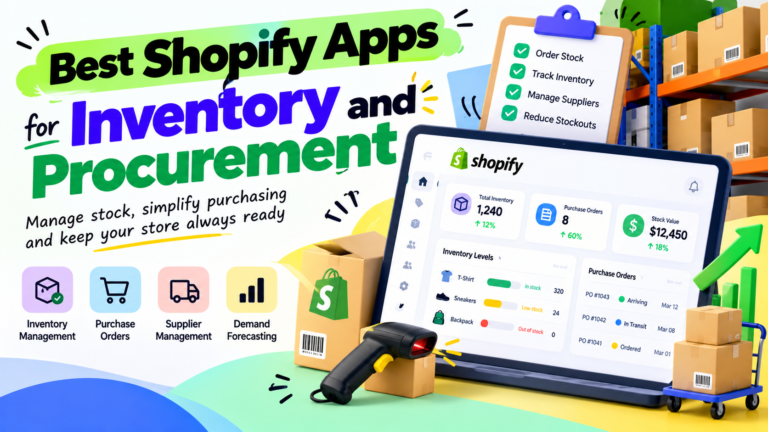
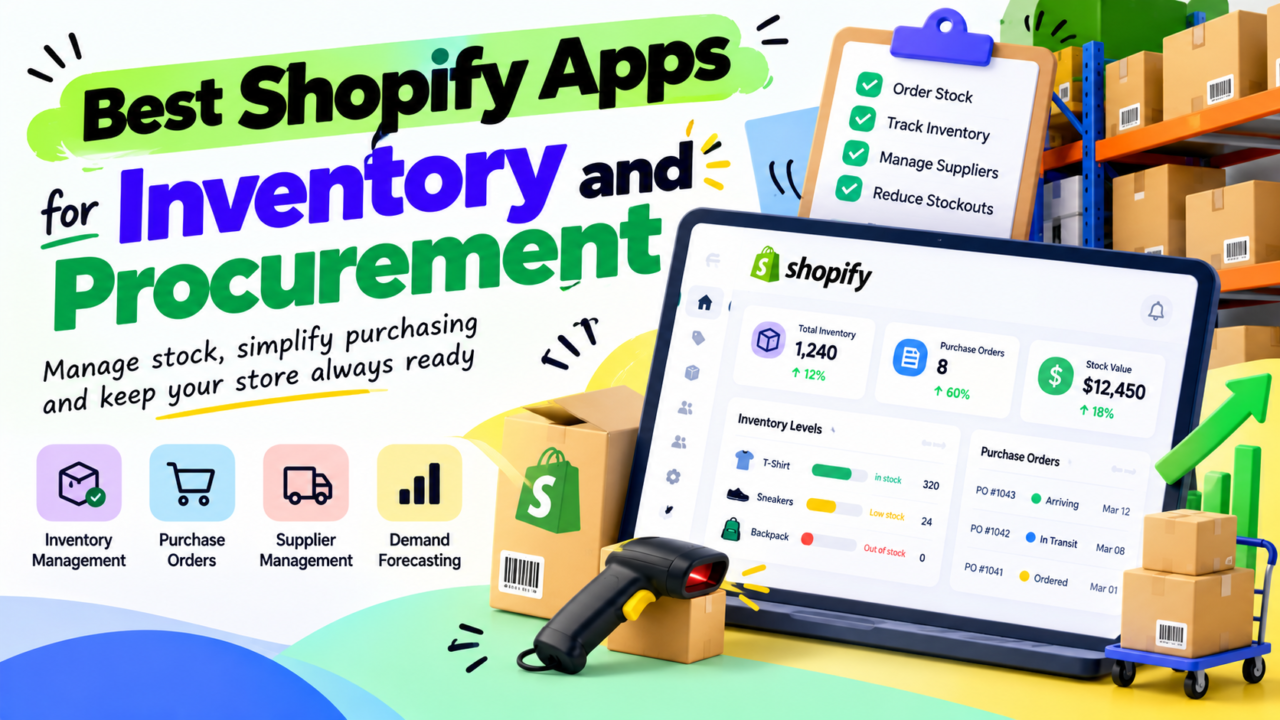
This guide compares 10 Shopify apps for inventory and procurement in 2026, plus Shopify’s built-in tools. It also shows who has to act when an alert fires, because that is where stock is won or lost. One more thing: Shopify shut down Stocky on August 31, 2026. Some “best apps” lists still recommend it.
Prices and ratings were checked on the Shopify App Store on October 5, 2026. They change, so confirm before you buy.
Quick Answer: Which App Fits You?
- Best free start: Shopify’s built-in purchase orders
- Best cheap PO tool: Mimoran Purchase Orders
- Best all-round for forecasts plus POs: Prediko
- Best for supplier lead times and MOQs: Forstock
- Best for backorders and pre-orders: Fabrikatör
- Best for bundles, landed cost and POs: Sumtracker
- Best low-price forecasting (few reviews): Forthcast
- Best for cash-flow planning: Cogsy
- Best for bigger, multi-channel catalogs: Inventory Planner by Sage
- Best for warehouse and shipping work: SKULabs
- Best if you make what you sell: Katana
Not sure yet? Read the table, then the ALARM loop. The loop matters more than the app.
Why You Still Run Out of Stock With an App Installed
Stockouts are a huge, costly problem. A 2026 study from IHL Group puts the global cost of out-of-stocks and overstocks at about $1.7 trillion. That is 6.2% of global retail sales. The good news is that it has dropped from 10.4% in 2021.
Your store is not the whole world. But the same thing happens at small scale.
Here is how a stockout happens even when you pay for software:
- The alert goes to a shared inbox. Nobody owns it.
- The person who sees it does not know the supplier’s lead time.
- The purchase order (PO) sits as a draft for a week.
- The goods arrive, but nobody counts them. Shopify still shows zero.
None of these are software bugs. They are people and process gaps.
If you want the math behind reorder points, read our guide to demand forecasting and safety stock for ecommerce. It pairs well with this one.
Stocky Is Gone. Here Is What Changed
Some top-ranking pages still list Stocky as a pick. Do not use them as a buying guide.
According to Shopify’s own help page on moving off Stocky, here is what you need to know:
- Stocky was removed from the App Store on February 2, 2026.
- It stopped being available on August 31, 2026.
- Shopify now has built-in inventory transfers, purchase orders, and supplier tracking in the admin and POS.
- Old Stocky purchase orders cannot be imported into Shopify.
- Shopify does not list forecasting or automatic reorder suggestions as native features.
That last point is the gap. Shopify’s AI assistant, Sidekick, can help draft purchase orders. But a drafted PO is not a forecast. It does not know your supplier takes 21 days to ship.
One app maker’s review of Shopify’s Spring 2026 update also lists other gaps. These include batch and lot tracking, expiry dates, bill of materials, and bundle component deduction. Treat that as one vendor’s view, but check it against your own catalog.
If You Used Stocky, Do This Now
- Find any export of your old suppliers and POs. Keep it.
- If you have no export, rebuild open POs by hand from supplier emails.
- Recreate your suppliers in Shopify or in your new app.
- Reset reorder points for your top 20 SKUs.
- Name one person who owns the reorder list.
Prediko lists an automatic Stocky supplier and PO migration on its App Store page. If you pick it, ask support what still transfers now that Stocky is gone.
How We Picked These Apps
We want to be clear about what this list is and is not.
- What we used: each app’s Shopify App Store listing, and Shopify’s own help pages. All checked on October 5, 2026.
- What we did not do: we did not install every app or run a live reorder cycle in each one.
- What we left out: claims from vendor blog posts. Many “best of” pages are written by the app they rank first.
- How we chose: we looked for apps that help you decide what to buy, send the PO, and receive stock. Pure stock-sync tools were left out.
Ratings can mislead when review counts are small. We flag those below.
The 11 Options, Reviewed
| App | Best for | Starting price | Rating (reviews) |
|---|---|---|---|
| Shopify built-in POs | Just POs and suppliers | No extra app fee listed | Not applicable |
| Mimoran Purchase Orders | Low-cost PO and receiving | Free, then $6.66/mo | 4.9 (21) |
| Prediko | Forecasts plus POs for D2C | $49/mo | 4.9 (255) |
| Forstock | Lead times, MOQs, pack sizes | Free, then $79/mo | 5.0 (5) |
| Fabrikatör | Backorders and pre-orders | $99/mo | 4.8 (111) |
| Sumtracker | Bundles, landed cost, POs | $59/mo | 4.8 (127) |
| Forthcast | Low-price forecasting | $19.99/mo | 5.0 (2) |
| Cogsy | Cash-flow-aware planning | Free plan, $199/mo | 4.9 (13) |
| Inventory Planner by Sage | Larger multi-channel catalogs | Custom quote | 4.3 (154) |
| SKULabs | Warehouse and shipping work | $299/mo | 5.0 (62) |
| Katana | Brands that make products | Free, then $299/mo | 4.2 (134) |
Three notes on this table. Forstock, Forthcast and Cogsy have few reviews, so their ratings tell you less. Shopify’s help pages do not say which plans get purchase orders, so confirm that in your admin. And some apps charge by revenue or orders, so your price may differ.
Simple PO Tools
1. Shopify Built-In Purchase Orders
Start here if you have fewer than a few hundred SKUs.
- Create POs with products, quantities, costs, and payment terms
- Manage suppliers with contact details and currencies
- Mark a PO as ordered, then receive stock against it
- Costs nothing extra to try
Watch out for: no demand forecast, and no reorder logic that uses lead times. You still need a human to decide what to buy and when.
2. Mimoran Purchase Orders
A simple, cheap PO tool.
- Free plan: 5 POs a month, CSV and PDF export, email POs to suppliers
- Professional ($6.66/mo): unlimited POs and scheduled low stock alerts
- Ultimate ($28.88/mo): stock transfers and auto PO creation
- Receive stock partly or fully, and Shopify updates
Watch out for: it is a PO tool, not a forecasting tool. It tells you stock is low. It does not tell you how much to buy.
Forecasting Plus POs
3. Prediko
The most reviewed forecasting app in this list.
- Plans scale with revenue: $49 (up to $100K), $119 (up to $500K), $199 (up to $2M), custom above that
- Unlimited POs on paid plans
- Demand forecasts by product, SKU, and season
- 100+ WMS and 3PL integrations
- 14-day free trial (not on Enterprise)
Watch out for: pricing steps up as revenue grows. Budget for the next tier before you hit it.
4. Forstock
Built around how suppliers really behave.
- Forecasts demand by product, variant, and location up to 12 months out
- Accounts for supplier lead times, minimum order quantities, and pack sizes
- Sets safety stock per item
- Create, split, and receive POs from your reorder list
- Free plan; Growth is $79/mo (up to $1M revenue); Scale is $159/mo (up to $5M)
Watch out for: only 5 reviews at the time of writing. Run the free plan against a real reorder cycle first.
5. Fabrikatör
A good fit when you sell items before they land.
- SKU-level demand forecasts from your Shopify sales history
- Create, automate, and track POs with costs, suppliers, and due dates
- Backorders and pre-orders when products sell out
- Plans by revenue: $99 (up to $500K), $149 (up to $1.5M), $199 (up to $2.5M), custom above
- 14-day free trial
Watch out for: backorders cost $0.75 each after 50 free ones a month. Some third-party directories show different prices, so trust the App Store listing.
6. Sumtracker
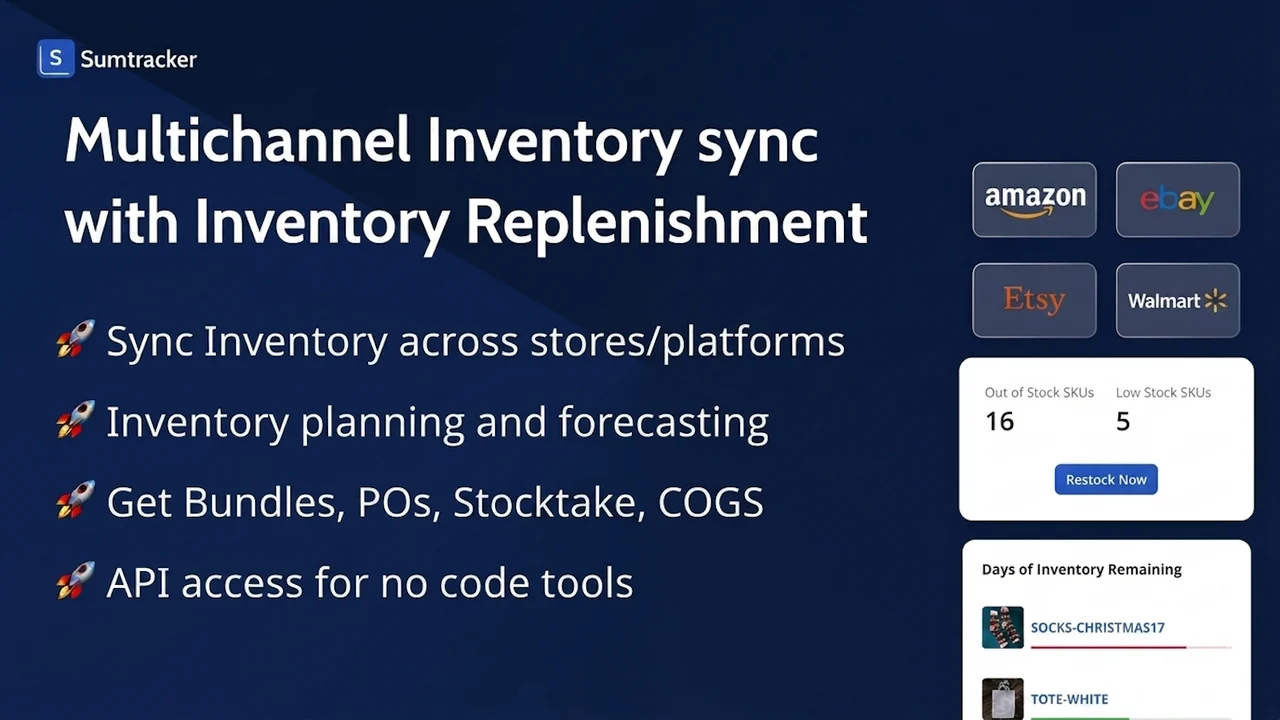
Strong when you sell bundles or sell on many channels.
- Email POs to suppliers, receive stock in part, and track landed cost
- 12-month forecasts with reorder suggestions
- Bundle stock updates from component stock levels
- Syncs Shopify, Amazon, eBay, Etsy, and Walmart
- Manage plan is $59/mo and Replenish is $119/mo
Watch out for: the cheaper plan has an order limit. Check it against your yearly orders, and confirm which features your tier includes.
7. Forthcast
A low-price option with a useful focus on lost sales.
- AI demand forecasts per SKU, with seasonality
- Reorder alerts ranked by revenue priority
- Tracks revenue lost to past stockouts
- Safety stock tools and PO creation
- $19.99/mo with a 14-day trial
Watch out for: only 2 reviews so far. Treat it as a trial candidate, not a proven pick.
8. Cogsy
For founders who think in cash, not units.
- Forecasts up to 12 months
- “What-if” scenarios for best and worst cases
- Replenishment alerts with PO recommendations
- Backorder and pre-order support
- Free plan; paid plan listed at $199/mo; 14-day trial
Watch out for: 13 reviews so far. Good fit if cash flow is your real constraint.
9. Inventory Planner by Sage
The heavy-duty option.
- Forecasting, automated replenishment, and PO generation
- Multi-channel and multi-location tracking
- SKU-level profitability analysis
- Works with Amazon, Cin7, Linnworks, QuickBooks, and ShipBob
- Free to install, but pricing is a custom quote
Watch out for: some reviewers mention hard onboarding and annual prepayment terms. Ask about the contract before you sign.
Warehouse and Maker Tools
10. SKULabs
Pick this when the warehouse is the problem, not just the reorder list.
- POs for single suppliers or combined accounts
- Return, dropship, and backorder POs
- Barcode scanning and multi-warehouse support
- Shipping labels from several carriers
- Plans by order volume: $299, $499, $799, and $999 a month
Watch out for: it starts at $299. That is a lot for a store that only needs a reorder list.
If you are weighing 3PL against your own warehouse, read our guide to 3PL vs in-house vs hybrid fulfillment.
11. Katana
Only pick this if you make your own products.
- Bill of materials and production planning
- POs built from material needs and reorder points
- Tracks raw materials through to finished goods
- Free plan covers 30 SKUs; Core is $299/mo on the listing
Watch out for: it is a lot of tool for a store that only resells. Listed pricing is volume-based, so confirm your real cost.
If you are outgrowing Shopify-only tools, see our list of the best warehouse inventory management software and our guide to ERP systems for ecommerce. For built-in settings and basics, read Shopify inventory management tools and tips.
The ALARM Loop: Turn Alerts Into Orders
An app can give you a signal. A system gives you a result.
Use this five-step loop for every SKU that matters. We call it ALARM.
- A: Alert. The app flags the SKU at its reorder point.
- L: Lead time check. Is the supplier’s lead time longer than your days of cover left?
- A: Approve. One named person approves the order within 24 hours.
- R: Raise the PO. Send the PO to the supplier. Do not leave it in draft.
- M: Move it. Track the shipment. Count it in. Update Shopify.
Each step needs an owner and a deadline. If a step has no name next to it, it will fail.
The Reorder Point Formula
Reorder point = daily sales x (lead time days + safety stock days)
That is the number where the alert should fire. Most apps above can calculate it for you. You still need to check that the lead time and safety days are right.
A Worked Example (Illustrative Numbers)
Say you sell 40 units a day of one product. Your supplier takes 21 days. You keep 7 days of safety stock.
- Reorder point = 40 units x (21 + 7 days) = 1,120 units
- Your safety stock = 40 x 7 = 280 units
The alert fires when you hit 1,120 units. That is 28 days of cover. Now see what a late approval does.
| Days the alert sits | PO arrives on day | Days out of stock | Units lost | Revenue lost at $35 |
|---|---|---|---|---|
| 0 | 21 | 0 | 0 | $0 |
| 7 | 28 | 0 | 0 | $0 |
| 10 | 31 | 3 | 120 | $4,200 |
| 14 | 35 | 7 | 280 | $9,800 |
Here is the lesson. Your safety stock is a 7-day patience budget. Spend it all and the very next day of delay costs real money.
At a $14 profit per unit, the 10-day delay costs $1,680 in profit. If your ads keep spending $250 a day during those 3 days, add another $750 wasted. That is from one product and one slow approval.
Want to know what your product actually earns after freight and duties? Use our guide to landed cost and true COGS first.
What a Stack Really Costs
Here is what the monthly bill looks like next to that $1,680 delay. These use the App Store prices above.
| Stack | Monthly cost | Yearly cost |
|---|---|---|
| Shopify built-in POs only | $0 | $0 |
| Built-in POs plus Mimoran Professional | $6.66 | $79.92 |
| Forstock Growth | $79 | $948 |
| Prediko (up to $500K tier) | $119 | $1,428 |
| Prediko or Fabrikatör at $199 | $199 | $2,388 |
| SKULabs Starter or Katana Core | $299 | $3,588 |
Yearly cost is the monthly price times 12. Some apps offer annual discounts, so your real cost may be lower.
Now compare. One late approval cost $1,680 in profit in our example. That pays for about 14 months of a $119 plan. It pays for 21 years of Mimoran Professional.
So the software is rarely the expensive part. A missed order is.
Who Should Own the Alert?
Pick the owner before you pick the app.
| Stage | Who owns it | Good starting stack |
|---|---|---|
| Under about $1M a year | The founder, in a weekly 30 minute “reorder hour” | Built-in POs, or Mimoran |
| About $1M to $5M a year | A planner who reviews the reorder list daily | Forstock, Prediko, or Fabrikatör |
| Above $5M a year | A buyer who decides what to buy, plus a planner who tracks shipments | Prediko Enterprise or Inventory Planner |
These bands are our rule of thumb, not a Shopify rule. Your SKU count and supplier mix matter more than revenue alone.
Most growing brands stall at the middle step. The founder is too busy. A full-time hire is too costly. So alerts pile up.
That is where a dedicated offshore team helps. A planner on your team runs the ALARM loop every day. They chase suppliers, send POs, and count receipts. Read how an offshore ecommerce team works, and why a dedicated team beats an agency for jobs like this.
Write the steps down so anyone can run them. Our guide to ecommerce SOPs for remote teams shows how.
5 Mistakes That Cause Stockouts
- Sending alerts to everyone. If everyone gets it, no one owns it.
- Using one lead time for all suppliers. Track each supplier’s real days, not the promise.
- Ignoring MOQs. A forecast says buy 300. The supplier’s minimum is 500. Now you need a decision.
- Skipping receiving. If you do not count goods in, Shopify stays wrong.
- Messy SKUs. Duplicate or unclear SKUs break forecasts. Fix them first with our SKU management best practices.
Also check your sourcing. Better terms can shorten lead times and cut risk. See these 5 strategic sourcing methods.
How to Pick in 3 Questions
- Who will act on the alert? If the answer is “no one yet,” fix that first.
- Do your suppliers have long lead times or MOQs? If yes, look at Forstock, Prediko, or Fabrikatör.
- Do you make products, sell bundles, or run a warehouse? Makers should look at Katana. Bundle sellers should look at Sumtracker. Warehouse-heavy stores should look at SKULabs.
Then test it. Most paid apps above offer a free plan or trial. Run one full reorder cycle before you commit.
Also, trim your app list while you are at it. Our guide on your Shopify app stack: keep or cut can help.
Frequently Asked Questions
What replaced Stocky for Shopify inventory?
Shopify moved purchase orders, supplier tracking, and inventory transfers into the admin and POS. Stocky ended on August 31, 2026. Shopify does not list forecasting as a built-in feature, so many stores add an app like Prediko or Forstock.
Do I need an app if Shopify has built-in purchase orders?
Not always. Small stores with few SKUs can run on built-in POs. You need an app when you want demand forecasts, lead time logic, or reorder suggestions.
What is the best Shopify app for purchase orders?
For low cost, Mimoran is a simple pick. For forecasts plus POs, Prediko has the most reviews in this list. For lead times and MOQs, Forstock is built for it. The best app is the one a named person will actually use.
How much do Shopify inventory apps cost?
Paid plans in this list run from $6.66 to $299 a month, and some scale by revenue or orders. Inventory Planner by Sage uses custom quotes. Prices change, so check each listing.
Who should handle reorders in a Shopify store?
One named person should own it. For small stores, that is the founder. As you grow, hand it to a planner or a dedicated team who reviews the reorder list daily.
What is a reorder point?
A reorder point is the stock level that triggers a new order. You find it by multiplying daily sales by lead time plus safety stock days. When stock hits that number, someone must place the order.
Does Shopify have demand forecasting built in?
Shopify’s help page does not list demand forecasting as a native feature. Its AI assistant can help draft purchase orders, but it does not replace a forecast built on lead times and seasonality.
Which app is best for a former Stocky user?
Look for an app that handles purchase orders and supplier tracking, then adds forecasting. Prediko, Forstock, Fabrikatör, and Sumtracker all do that. Ask each one what still imports now that Stocky is gone.
Your Next Step
Apps flag the problem. People solve it.
If alerts keep piling up while you run ads, hire the owner before you buy another tool. AcquireX builds dedicated teams that run your supply chain management and procurement and sourcing. They own the reorder list, the POs, and the follow-up.
Stop managing vendors. Build a system. Talk to AcquireX about a dedicated supply chain team for your brand.