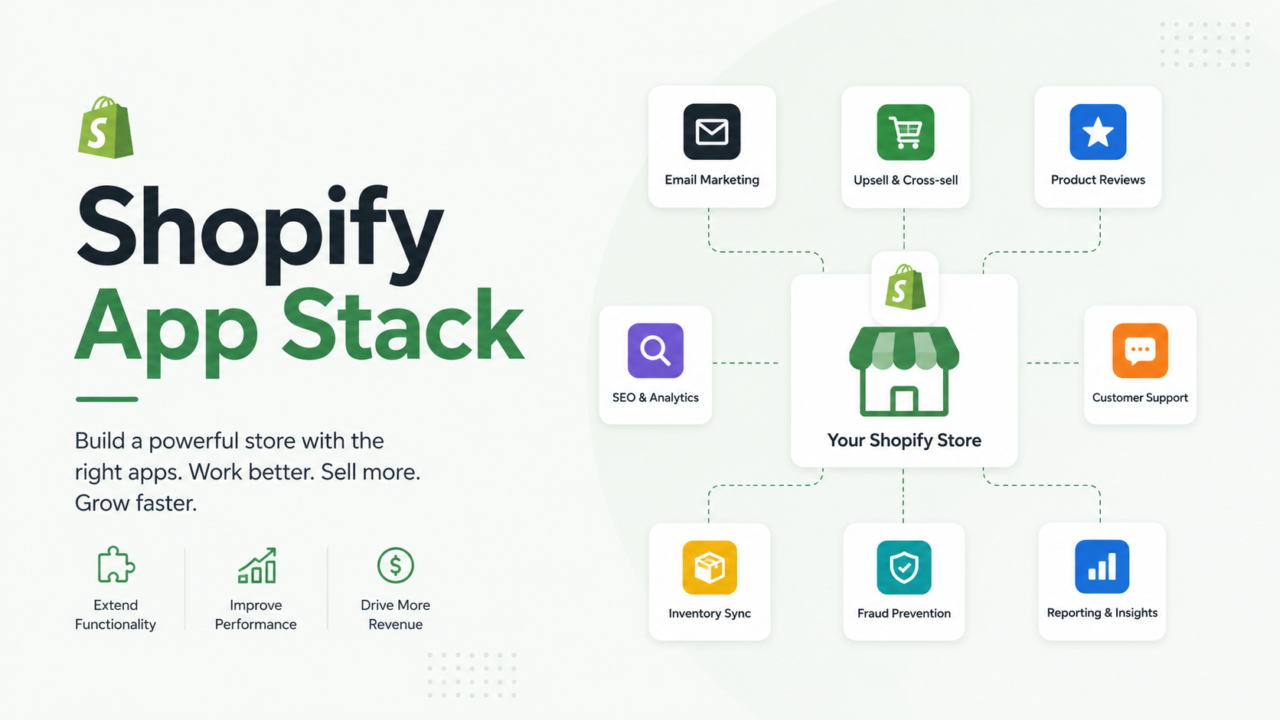
Open your Shopify admin right now and count your installed apps. Most store owners guess “maybe ten.” The real number is usually double that. Each one bills you every month, loads code on your storefront, and quietly slows down your checkout. Some are earning their spot. Most are just sitting there, forgotten, still charging your card.
This guide gives you a simple way to sort your apps into two piles: keep and cut. No guesswork. Just a short framework you can run in one afternoon.
Quick Answer
A Shopify app earns its spot only if it does one of three things: makes you money, saves your team real time, or is legally required (like tax or accessibility tools). If an app fails all three tests and you have not opened its dashboard in 90 days, cut it.
What Counts as Your “App Stack”
Your app stack is every third party tool connected to your store. That includes:
- Apps installed from the Shopify App Store
- Apps you installed for a free trial and forgot about
- Apps a past employee or agency added
- Apps bundled in with a theme purchase
Each one adds a script to your storefront, a line item to your bill, and a new thing that can break your checkout.
Why a Bloated App Stack Actually Hurts You
This is not just about tidiness. Extra apps cause three real problems.
Your site gets slower. Every app that touches your storefront adds code. Google says a page should show its main content within 2.5 seconds. That is the bar for a good shopper experience (source). Stack five or six heavy apps on your theme and that number climbs fast.
Shopify itself polices this. An app cannot drop your store’s Lighthouse speed score by more than 10 points and still get listed in the Shopify App Store. Apps with “Built for Shopify” status follow that same rule (source). If Shopify holds app makers to that bar, hold your own app stack to it too.
You are paying for overlap. It is common to find three apps all doing some version of upsells, or two apps both sending abandoned cart emails. You are paying twice (or three times) for the same job.
The STACK Method
We run a version of this audit on almost every Shopify store we take on for catalog and marketplace management. It is usually the first thing we clean up, before we touch pricing, listings, or ad spend, because it is the fastest and safest win available. Here is a simple framework you can run on your own store. Each letter is one question to ask about every app you have installed.
- S: Speed cost. Open your theme’s page speed report. Does this app show up as a major script? If removing it visibly speeds up your store, that is a mark against it.
- T: True cost. Add up the monthly fee, plus any transaction fee on top, plus the time your team spends managing it. That is the real cost, not just the listed price.
- A: Actual usage. Shopify does not give you one dashboard that shows usage per app, so you have to check two places. First, your Shopify billing page lists every active charge in one spot. Second, open each app’s own dashboard and look for a recent order, email, or event. If nobody on your team can say what an app does without opening it first, that is your answer.
- C: Conversion impact. Does this app touch checkout, cart, or product pages in a way you can point to? Reviews, upsells, and shipping calculators usually can. A random widget usually cannot.
- K: Keep, swap, or cut. Based on the four checks above, make the call. Keep it, replace it with a lighter tool, or remove it today.
Run every app through these five questions once. Most stores find their answer inside an hour.
A Worked Example
Say you run a store doing $40,000 a month in revenue. You open your Shopify billing page and count 22 active apps, costing $890 a month combined.
You run the STACK method on all 22:
| Finding | Apps | Monthly Cost |
|---|---|---|
| No activity in 90+ days | 6 | $210 |
| Duplicate function (two review apps, two upsell apps) | 3 | $180 |
| Genuinely earning their spot | 13 | $500 |
You cut the 6 dead apps and consolidate the 3 duplicates down to 1 tool. New monthly app spend: about $460. That is roughly $5,160 a year back in your pocket, plus a lighter, faster theme.
This is just one example to show the math. Your own numbers will look different. But the pattern usually holds. About a quarter to a third of installed apps are not pulling their weight.
Apps You Can Almost Always Cut
- Free trial apps you installed once and never configured
- A second sticky-cart, slide-cart, or countdown timer app once you already have one doing that job
- Old page speed boosters that just wrap lazy-loading your theme already handles natively
- Apps left behind by a past developer, freelancer, or agency that nobody remembers approving
- Popup or chatbot widgets duplicating a feature your theme already ships with
- SMS or email tools you signed up for during a big sale push and never actually launched
Apps Worth Keeping
- Inventory or stock sync tools, especially if you sell on more than one channel
- A review app with real, verified customer photos and ratings
- Backup and data export tools, since Shopify does not back up your store for you
- Customer support or help desk tools your team actually logs into daily
- Subscription or loyalty apps, if recurring revenue is core to your model
- Fraud or chargeback protection, especially if you have been hit by one before
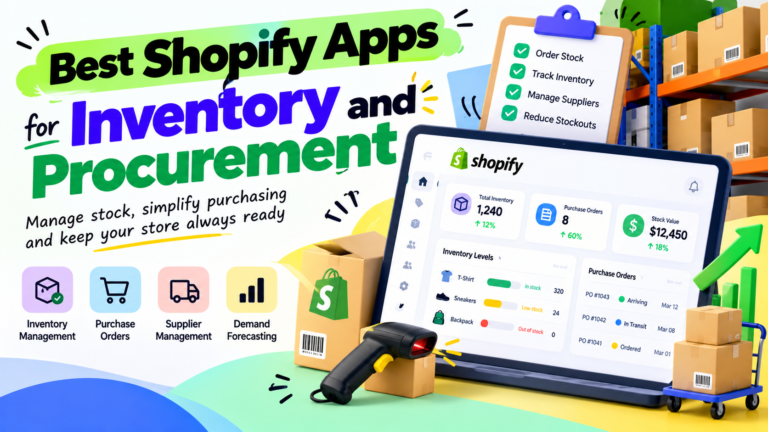
If you are also cleaning up your product catalog while you audit apps, our guide on Shopify inventory management tools walks through the same keep or cut thinking for stock tools specifically.
How Often to Run This Audit
Set a recurring reminder for once a quarter. New apps creep in fast. This happens most around big sales, when a team adds a “just for now” tool and forgets to remove it later. A ten minute check every three months keeps your stack lean.
If your store is past seven figures, this cleanup needs to become someone’s real job. Otherwise it gets skipped once things get busy. That is part of what our catalog management services cover for growing Shopify brands.
Common Questions
How many apps should a Shopify store have?
There is no fixed number. A lean store might run well on 8 to 12 apps. What matters more than the count is whether each app passes the STACK method: speed cost, true cost, actual usage, and conversion impact.
Do more apps always mean a slower store?
Not always, but usually. A single heavy app can slow a store down more than five light, well built ones. Check each app’s real effect on your page speed report instead of assuming by app count alone.
Will removing an app break my theme?
Sometimes an app leaves code behind in your theme files even after you uninstall it. Always check your theme code for leftover script tags after removing an app, or ask a developer to clean it up for you.
Should I cut apps that came free with my theme?
Only if you actually use them. A free app still costs you page speed and adds one more thing that can break. Run it through the same STACK check as any paid app.
What to Do Next
Block 60 minutes this week. Open your Shopify billing page, list every app and its monthly cost, and run each one through the STACK method above. Cut what fails, keep what earns its spot, and put a reminder on your calendar to do it again in three months.
If you would rather hand this off, talk to our team about how AcquireX handles ongoing catalog and storefront management for growing Shopify brands, including app stack audits like this one.