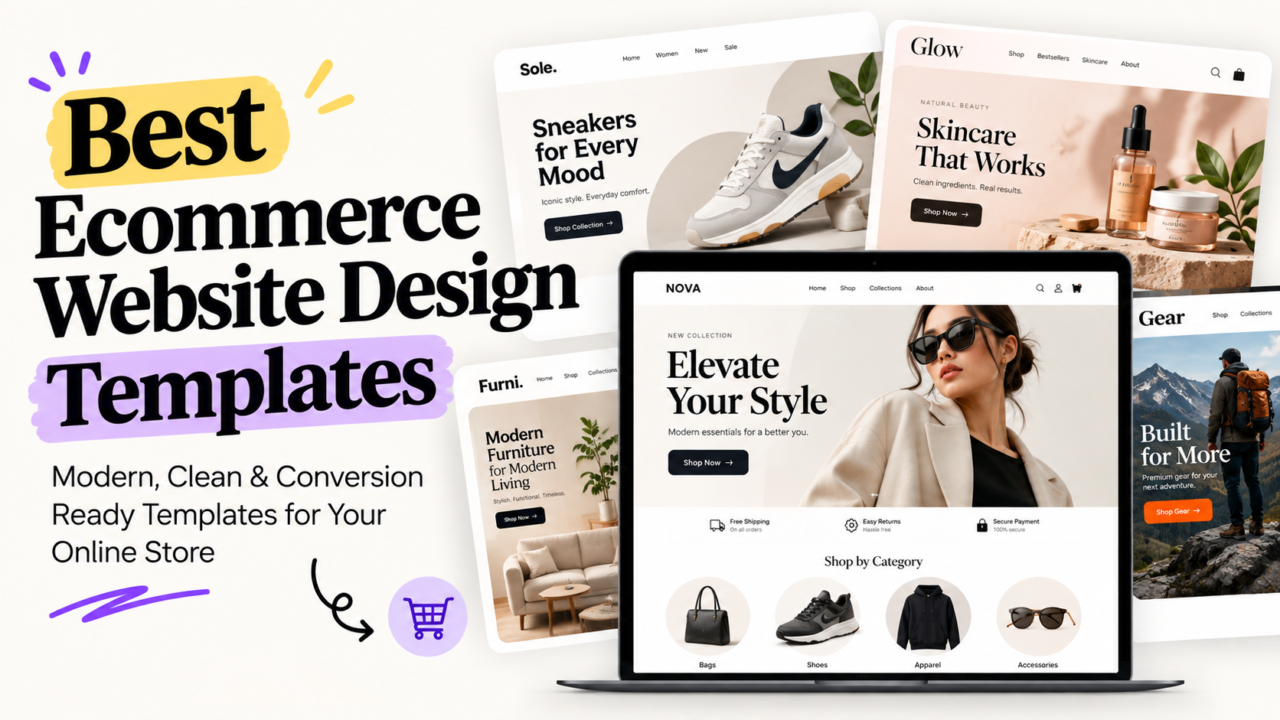
Quick answer: The best ecommerce website template is the one built for your platform, your catalog size, and your buyers’ phones. For most brands, that means a Shopify theme like Dawn or Horizon (free), or Impulse, Prestige, or Warehouse (paid, about $350 to $400 one time). WooCommerce stores do well with Astra, Flatsome, or WoodMart. Pick the template by how you sell, not by how the demo looks.
Most founders pick a template the same way. They scroll a theme store, fall for a pretty demo, and buy it.
Three months later, the store is slow. Product pages look empty with real photos. And a developer quote to “fix the header” costs more than the theme did.
This guide fixes that. You’ll get:
- The best templates by platform, with prices
- Where to buy templates (and which marketplaces to skip)
- A 5 step framework to choose in under an hour
- The math on when a paid theme pays for itself
What Is an Ecommerce Website Template?
An ecommerce template (also called a theme) is a ready made design for your online store. It controls:
- How your homepage, product pages, and cart look
- Where buttons, reviews, and prices sit
- How fast pages load on a phone
- What features come built in (filters, mega menus, quick view)
Your platform (Shopify, WooCommerce, BigCommerce) runs the store. The template is the storefront your buyers see.
Why Your Template Choice Matters More Than You Think
Your template is not decoration. It’s the shelf your products sit on.
- Speed: Heavy themes load slowly. Google’s own guidance says a “good” Largest Contentful Paint is 2.5 seconds or less (web.dev). Slow stores lose buyers before the page even shows.
- Conversion: Where your “Add to Cart” button, reviews, and shipping info sit changes how many people buy.
- Cost later: A theme that fights your catalog means paying developers to patch it, again and again.
Switching themes later is possible. But it costs time, redesign work, and often broken apps. Pick right the first time.
The Best Ecommerce Website Templates by Platform (2026)
Shopify Themes (Best for Most D2C Brands)
Shopify is where most growing D2C brands live. Its official Theme Store lets you try a paid theme for free on your store and only pay when you publish it.
Free Shopify themes:
- Dawn: Clean, fast, and the most used free theme. Best for new stores and brands that plan to add custom sections later.
- Horizon: Shopify’s newer free theme family. Modern look, good for visual brands.
- Sense: Great for beauty and wellness, where product pages need ingredients and “how to use” info.
- Craft: Suits handmade, artisan, and small catalog brands.
Paid Shopify themes (roughly $350 to $400, one time):
- Impulse: Built for promo heavy fashion and lifestyle brands. Strong for sales and launches.
- Prestige: Luxury feel. Best for premium fashion, jewelry, and high AOV brands.
- Warehouse: Made for big catalogs. Strong filters and fast browsing for 500+ SKUs.
- Impact: Bold, conversion focused layouts for multi category stores.
Prices change. Always check the live listing before you buy.
WooCommerce (WordPress) Themes
Pick WooCommerce if content and SEO drive your sales, or you want full code control.
- Astra: Lightweight and fast. Pairs well with page builders.
- Flatsome: Popular all rounder with a built in drag and drop builder.
- WoodMart: Feature packed for big catalogs (filters, swatches, quick view).
- Storefront: WooCommerce’s official free theme. Plain, stable, and a safe base.
Heads up: WooCommerce means you handle hosting, updates, and security. That’s real ops work.
BigCommerce Themes
Good for B2B, wholesale, and large catalogs with complex pricing.
- Cornerstone: The free default theme. Solid and fast.
- Premium themes from the BigCommerce Theme Store add B2B features like quick order forms.
Wix and Squarespace Templates
Best for small catalogs, creators, and brands selling a handful of products.
- Easy drag and drop editing
- Beautiful designs out of the box
- Less flexible once you scale past a few hundred SKUs or need complex apps
Where to Buy Ecommerce Templates: The Best Marketplaces
Not all template marketplaces are equal. Here’s the honest take:
- Shopify Theme Store: Safest pick for Shopify. Every theme is reviewed by Shopify, and you can test before paying.
- ThemeForest (Envato): Huge selection for WordPress, Shopify, and HTML. Quality varies a lot. Check update dates and reviews.
- TemplateMonster: Big catalog across platforms. Same rule: check how recently the theme was updated.
- WordPress.org theme directory: Free themes, checked against WordPress guidelines. Good for simple starts.
- Platform stores (BigCommerce, Wix, Squarespace): Built for their platform, so fewer compatibility headaches.
Red flag checklist before buying from any marketplace:
- Last update more than 6 months ago
- No clear support policy
- Demo uses 5 products, but you have 500
- Reviews complain about speed or app conflicts
The FRAME Framework: Choose a Template in Under an Hour
Use this 5 step check before you spend a dollar.
F: Fit Your Catalog
- 1 to 20 products: Pick a theme built for storytelling (big images, long product pages).
- 20 to 500 products: You need clean collection pages and good filters.
- 500+ products: You need strong search, filters, and mega menus. Think Warehouse or WoodMart.
R: Revenue Path
Walk through the demo like a buyer. Count the taps from homepage to checkout.
- Is “Add to Cart” visible without scrolling on a phone?
- Are reviews, shipping info, and returns near the buy button?
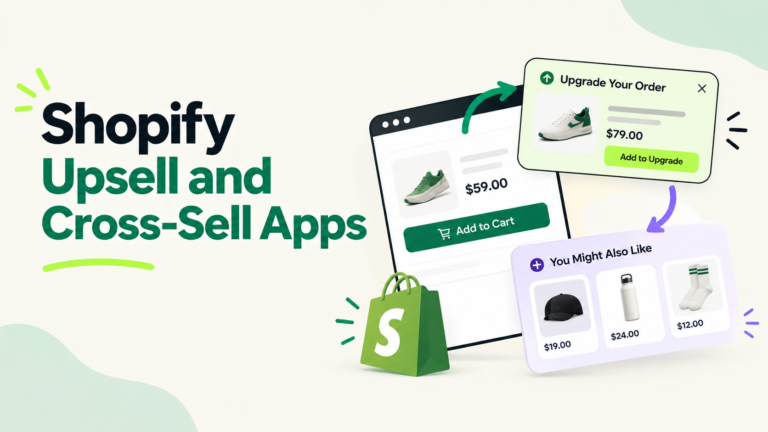
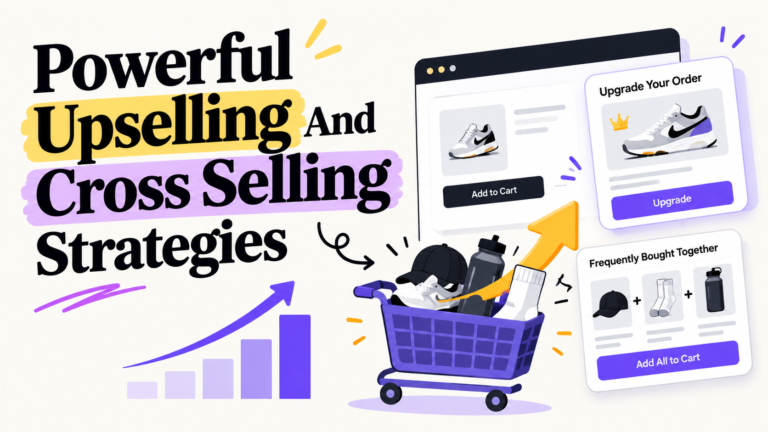
- Is there a slide out cart or a place for upsells and cross-sells?
A: Assets Test
Demo photos are perfect. Yours may not be.
- Load your real product photos into a preview
- Check how it looks with long product titles and odd image sizes
- If it only looks good with studio photos, skip it
M: Mobile Speed
Most shoppers browse on phones. Test the demo on your own phone and run it through PageSpeed Insights.
- Aim for a mobile LCP of 2.5 seconds or less
- Watch for heavy sliders, autoplay video, and big animations
E: Extend Without Breaking
Your store will grow. Your theme should keep up.
- Does it support the apps you already use (reviews, subscriptions, bundles)?
- Is it updated often?
- Can your team edit sections without a developer?
Pro tip: Score each theme 1 to 5 on every FRAME letter. Anything under 18 out of 25 is not worth your money.
Free vs. Paid Templates: When a Paid Theme Pays for Itself
Free is not always cheaper. Here’s a simple example.
Say your store has:
- 20,000 visitors a month
- A 2% conversion rate
- A $60 average order
That’s 20,000 × 2% × $60 = $24,000 a month in sales.
Now say a better built theme (clearer cart, faster pages) lifts conversion to 2.2%.
- New sales: 20,000 × 2.2% × $60 = $26,400 a month
- Extra revenue: $2,400 a month
- A $380 theme pays for itself in about 5 days
That lift is not guaranteed. But it shows the real question: not “what does the theme cost,” but “what does a weak storefront cost me every month?”
Go free if:
- You’re still testing product market fit
- You have a developer who will build on Dawn or Horizon
- Your catalog is small and simple
Go paid if:
- You’re spending on ads and need every visit to convert
- You have a large or complex catalog
- You need features (mega menus, advanced filters, promo tools) without extra apps
Homepage Hero Best Practices for 2026
Your hero section (the top of your homepage) gets the most eyes. Make it work:
- One clear message: What you sell and why it’s better, in one line
- One main button: “Shop Best Sellers” beats three competing buttons
- Real product shots: Show the product, not just a mood photo
- Proof up top: Star rating, review count, or “free shipping over $X”
- Skip auto sliders: Most shoppers never see slide 2 or 3, and sliders slow the page
5 Template Mistakes That Cost Brands Money
- Buying for the demo, not your products. Always test with your own photos.
- Stacking apps on a theme that already has the feature. Double features slow pages and break layouts. A regular Shopify app stack audit catches this.
- Heavy customization on day one. Launch, get data, then customize what buyers actually use.
- Ignoring theme updates. Old themes break with new platform features.
- Designing on desktop. Your buyers are on phones. Design there first.
The Real Bottleneck Is Not the Template
Here’s what we see with growing brands: the template is rarely what holds a store back.
It’s the work around it. Product pages that never get updated. Collection pages nobody tests. Banners still showing last month’s sale. A theme is a tool. Someone has to run it every week.
That’s where AcquireX comes in. We build dedicated ecommerce teams that own your store’s design, catalog, and CRO work day to day. Not an agency sending tasks back and forth. A team inside your business, accountable for results.
Stop managing vendors. Build a system that keeps your store selling. Talk to AcquireX about a dedicated design and ecommerce team.
FAQs
What are the best website templates for an online store?
For Shopify, the best free templates are Dawn and Horizon, and the best paid ones are Impulse, Prestige, and Warehouse. For WooCommerce, Astra, Flatsome, and WoodMart are strong picks. The best choice depends on your catalog size, platform, and how you sell.
Which ecommerce platforms offer customizable templates?
Shopify, WooCommerce, BigCommerce, Wix, and Squarespace all offer customizable templates. Shopify and Wix allow drag and drop section editing. WooCommerce gives the most code level control.
Where is the best place to get an ecommerce website template?
For Shopify stores, the official Shopify Theme Store is the safest place because themes are reviewed and you can try them before paying. ThemeForest and TemplateMonster have larger selections, but you should check update dates and reviews before buying.
Are free ecommerce templates good enough?
Yes, for many new stores. Free themes like Dawn are fast and well built. Paid themes make sense when you run paid ads, have a large catalog, or need advanced features without adding extra apps.
How much does an ecommerce website template cost?
Free templates cost $0. Premium Shopify themes usually cost about $350 to $400 as a one time payment. Marketplace templates on ThemeForest or TemplateMonster often cost less, but may need more setup work.
How do I choose between different ecommerce templates for a new business?
Use the FRAME check: Fit your catalog, check the Revenue path, test with your real Assets, test Mobile speed, and make sure it can Extend with your apps. Score each theme and pick the highest.