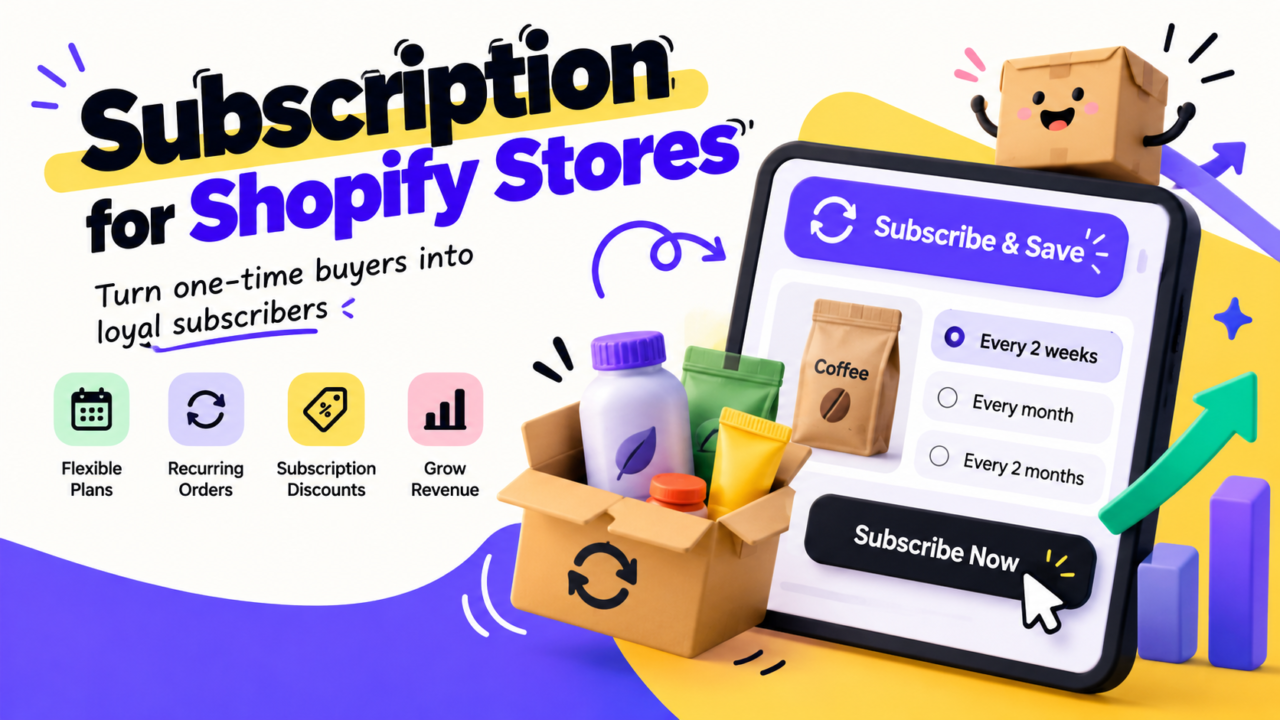
Picking between Recharge, Skio, and Loop takes about a week. Making subscriptions profitable takes a year.
Most guides to Shopify subscription apps stop at price and feature lists. Then you launch. Cards fail, customers cancel, and tickets pile up.
This guide covers both parts:
- Prices for all three apps, taken from each vendor’s own page, with the math in dollars
- A side by side table, plus six other apps worth a look
- What the Recharge and Skio deal means for you
- A 5 step system called PULSE, with a free template, to keep subscribers after launch
The short answer
- Loop had the lowest fees at most sizes in our math below.
- Recharge and Skio now share one owner.
- Skio is a flat fee plan with a multi step cancel flow builder.
- Small store? Free and low cost plans exist. See the “other apps” section.
- None of them keeps subscribers for you. The app gives you the tools. Your team has to run them every week.
If you only read one part, read PULSE. That is where the money is.
Big news: Recharge now owns Skio
In April 2026, Recharge announced it welcomed Skio. Recharge said both products will keep operating as they have, and your current team stays your contact. It also said it will review parts of both platforms “over the coming months.”
What that means for you:
- Recharge did not state a price. The Next Web reported $105M cash.
- Recharge says the group serves 20,000+ brands and $20B in yearly sales volume. That is their number, not an outside audit.
- Skio is no longer an independent “Recharge alternative.”
- Nobody outside the company knows what will merge. Ask any rep about price locks and roadmap before you sign.
What each app costs
These come straight from each vendor’s pricing page. Prices change, so check again before you buy.
Loop (pricing page)
- Free plan: up to 50 active subscriptions
- Starter: $99 a month plus 1.0% of subscription sales
- Pro: $399 a month plus 0.75%
- No per order fee
Recharge (pricing page)
- Starter: $99 a month plus 1.49% and $0.19 per order
- Plus: $499 a month plus 1.34% and $0.19 per order
- Custom plan for high volume
Skio (pricing page)
- Scale: $499 a month on annual billing, or $599 on monthly billing
- Fee: 1% plus $0.20 per subscription order
- Enterprise: custom price
Monthly cost at three sizes
Assume an average order of $50. “Orders” means subscription orders per month.| Plan | 100 orders ($5,000) | 1,000 orders ($50,000) | 10,000 orders ($500,000) |
|---|---|---|---|
| Loop Starter | $149 | $599 | $5,099 |
| Loop Pro | $437 (rounded) | $774 | $4,149 |
| Recharge Starter | $193 (rounded) | $1,034 | $9,449 |
| Recharge Plus | $585 | $1,359 | $9,099 |
| Skio Scale (annual) | $569 | $1,199 | $7,499 |
| Skio Scale (monthly billing) | $669 | $1,299 | $7,599 |
How to read it:
- At 100 orders, Loop Starter and Recharge Starter cost the least. Loop is free up to 50 subscriptions.
- At 1,000 orders, Loop Starter and Loop Pro cost the least.
- At 10,000 orders, Loop Pro costs the least. The gap to Recharge Plus is $4,950 a month, or $59,400 a year.
- These are fees only. They do not include support, setup, or your own time.
Fees are only part of the bill
At 1,000 orders, the gap between Loop Pro and Recharge Plus is $585 a month, or $7,020 a year.
Is that gap worth paying? Only if the extra tools or support save you more than that. Which brings us to the real question.
A note on other pages
Prices on competitor pages do not always match the vendors. Several pages we checked show Recharge Plus at a 1.0% fee, but Recharge’s page shows 1.34% plus $0.19 an order. Some show Skio at about $299 or $399 a month, but Skio’s page shows $499 on annual billing and $599 monthly. Use the vendor page, and note the date.
Side by side: what each app lists
This is what each vendor says on its own pricing page. We did not test every feature.| Feature | Loop | Recharge | Skio |
|---|---|---|---|
| Cancel prevention | Yes, on Starter | Yes, on all plans | Multi step cancel flow builder |
| Failed payment recovery | Yes, on Starter | Yes, on all plans | Recovery campaigns with timing options |
| Customer portal | Self serve portal | Basic portal on Starter | No code portal |
| Text messaging | Not listed on pricing page | Concierge SMS on Plus, $0.03 per US message | Two way text included |
| Dedicated manager | Pro and up | Custom plan lists priority technical support | Enterprise |
| Migration help | Included on paid plans | Listed on Plus | Hands on onboarding |
| Support reply times | Not listed | 8 hours Starter, 6 hours Plus, 4 hours Custom | Not listed |
A feature on a pricing page does not mean it works well on your store. That depends on setup and weekly tuning.
Six other apps worth a look
If none of the big three fits, check these. All details come from each vendor’s pricing page or Shopify App Store listing.
Stay AI (pricing)
- Pro: $499 a month plus 1% and $0.19 per order
- Lists AI cancellation and win back flows
- Says every plan includes a dedicated account manager and 1:1 migration
Smartrr (pricing)
- Launch: $99 a month plus 1% of subscriber sales
- Grow: $299 a month plus 1%. Adds dunning, a dedicated manager, and retention actions
- Excel: from $499 a month plus 1%
Appstle (App Store listing)
- Free up to $500 a month in subscription sales
- Paid plans from $10 to $100 a month with caps on subscription sales ($5,000, $15,000, $100,000)
- Lists a 0% transaction fee on paid plans. Retention tools sit on the $30 Business plan and up
Seal Subscriptions (App Store listing)
- Free for life up to 50 subscriptions
- Paid plans from $5.95 to $24.95 a month, capped at 100 to 500 subscriptions
- Lists 0% transaction fees. A custom cancel flow appears on the $9.95 plan
Bold Subscriptions (App Store listing)
- From $24.99 a month plus a 2% transaction fee, with 1% on the $49.99 plan
- Lists cancel flows and automatic dunning
Shopify Subscriptions
- Shopify’s own first party app. Shopify describes it as free
- Check its help pages for limits before you rely on it
Watch the caps. A cheap plan with a subscriber cap can get costly the month you grow past it.
Day one vs day 90
Most “best subscription app” posts only cover day one. Here is the real split.
Day one work (the app does most of it):
- Install the app
- Set up selling plans and products
- Fix your theme and portal look
- Move current subscribers over
Day 90 work (your team does all of it):
- Read cancel reasons every week
- Fix failed cards before they become churn
- Test new save offers
- Answer billing and skip tickets fast
- Report on retention by cohort
We read 27 pages that rank for this topic. Few of them spelled out the weekly work or the support load that follows launch. That gap is why this guide exists.
Why retention matters more than the app
Here are numbers from Darkroom’s subscription churn guide. They are one agency’s view, not a law.
- Typical monthly churn for consumer subscriptions: about 6.5%
- Strong DTC brands sit near 4% to 5%
- About 45% of subscribers are still active at month six, and 33% at month twelve
- “Payment failed” is the second most common reason people cancel
- Vendors claim cancel flows save 20% to 40%. Darkroom calls that a ceiling and says 15% to 25% is realistic in year one with a pause first design
What one point of churn is worth
Simple rule: subscriber lifetime in months is about 1 divided by monthly churn.
At $50 a month:
- 6.5% churn: 15.4 months, about $769 per subscriber
- 5.5% churn: 18.2 months, about $909 per subscriber
One point of churn is worth about $140 in revenue per subscriber. That is revenue, not profit. Use your own margin to get profit. For more on this math, see our guide to LTV to CAC ratio.
The save rate example
Say 200 people try to cancel each month.
- A 15% save rate keeps 30 of them
- A 25% save rate keeps 50 of them
- That is 20 more subscribers a month
Assume each one stays 4 more months at $50. That is $4,000 in revenue from one month of cancel attempts. The 4 months is our assumption, so use your own number.
Compare that to the $585 monthly fee gap above. A better cancel flow can be worth more than the cheaper app.
The PULSE system: keep the subscribers you paid to win
PULSE is a 5 step weekly routine. It works on any app in this guide.
P: Pause first
Do not open your cancel flow with a discount. Open with pause or skip.
- Offer “skip next order” and “pause 30 days” before anything else
- Darkroom reports 3 out of 4 subscribers who pause come back
- Discounts come second, so you do not train people to cancel for coupons
U: Update the card
Failed payments are quiet churn. The customer did nothing wrong.
- Turn on smart retries
- Send a card update link by email and text
- Check how many failed charges you recover each month
- Watch chargebacks too, since bad card flows can lead to disputes
L: Listen to the reason
Add a cancel survey with 4 or 5 reasons. Give each reason its own offer.
- “Too much product”: offer a longer gap between orders
- “Too expensive”: offer a smaller size or a swap
- “Did not like it”: offer a different product
- “Just need a break”: offer a pause
S: Slice by cohort
Do not stare at one churn number. Compare groups.
- Track how many subscribers stay at month 1, 3, 6, and 12
- Compare by product, by offer, and by how they joined
- If month 1 is weak, your first box or first order is the problem, not the cancel flow
- Pair this with your repeat customer plan
E: Escalate tickets
Subscription tickets are money tickets. Treat them that way.
- Tag every ticket about billing, skip, pause, or cancel
- Give one person ownership
- Reply the same day for billing issues
- Review the top 3 ticket reasons every week and fix the cause
Free PULSE template
Copy this into a doc or sheet. It takes about 15 minutes a week.
Cancel survey (pick one answer)
- Too much product
- Too expensive
- Did not like it
- Need a break
- Something else (short text box)
Ticket tags
- sub-billing
- sub-skip
- sub-pause
- sub-cancel
- sub-card-failed
Weekly 15 minute review
- How many cancel attempts this week?
- How many were saved, and by which offer?
- How many failed cards were fixed?
- Top 3 ticket tags
- One change to test next week
Monthly cohort check
- Subscribers left at month 1, 3, 6, 12 for each start month
The part nobody budgets for: support load
Every new subscriber can create tickets. Here is an example. These are made up numbers to show the method, not a benchmark.
- You have 1,000 subscribers
- 8% write in each month, so 80 tickets
- Each ticket takes 6 minutes
- That is 480 minutes, or 8 hours a month
Now count your own. Pull last month’s subscription tickets. Multiply by your average handle time.
Then ask who does this work:
- If it is the founder, it steals time from growth
- If it is a part time freelancer, nobody owns the results
- If it is a dedicated team member who knows your store, PULSE actually happens
That is the gap an embedded team fills. See how a dedicated support operation works, and our guide to support KPIs that predict retention. Wondering about cost? Start with US labor costs for D2C brands.
Moving to a new app
Migration is where subscriptions can break. A few facts from the vendors:
- Loop says paid plans include migration help
- Recharge lists migration help on Plus
- Stay AI says it includes 1:1 migration and onboarding
- Appstle lists hands on migration, even on its free plan
We did not find vendor stated timelines or subscriber loss numbers, so we are not repeating the ones some blogs print.
Ask every vendor these questions:
- How do you move saved payment info, and what can fail?
- Will portal links change for my customers?
- Who fixes billing errors in the first 30 days?
- Can I test with a small group first?
Which app fits which brand
There is no single winner. Match the app to your stage.
- Just starting, under 50 subscribers: Loop’s free plan, Seal’s free plan, or Appstle’s free plan
- A few hundred subscribers: Compare Loop Starter, Recharge Starter, Smartrr Launch, and the low cost apps above
- Around 1,000 orders a month: Loop had the lowest fees in our math. Run your own numbers
- Want setup help and loyalty tools: Recharge Plus lists both
- Want flat fees and a deep cancel flow builder: Look at Skio. Ask about its roadmap now that Recharge owns it
- Already on one of them and it works: Stay put. Fix your retention routine first
When NOT to switch apps
Switching feels like progress. It rarely is.
- If your cancel flow starts with a coupon, fix that first
- If nobody reads cancel reasons, a new app will not help
- If failed cards are not being chased, a new app will not help
- Migration takes time and puts live subscribers at risk
Switch if fees are hurting at your size, or if a missing feature blocks you. Do not switch because a comparison post told you to.
Your first 30 days checklist
Week 1
- Pick the app using your own order and sales numbers
- Set up pause and skip
Week 2
- Build a 5 reason cancel survey
- Turn on card retries and update links
Week 3
- Tag subscription tickets
- Name one owner
Week 4
- Pull month 1, 3, and 6 retention
- Pick one offer to test
Also check your email flows, your text message rules, and whether you still need every tool in your app stack. New to the model? Start with subscription ecommerce basics.
FAQ
Which Shopify subscription app is cheapest?
It depends on size. In our math with a $50 average order, Loop Starter and Recharge Starter cost the least at 100 orders a month. Loop Starter costs the least at 1,000, and Loop Pro at 10,000. Free and low cost plans from Loop, Seal, and Appstle can cost less for very small stores.
Did Recharge buy Skio?
Yes. Recharge announced it welcomed Skio in April 2026. The Next Web reported a price of $105M. Recharge said both products will keep operating as they have for now.
How much can a cancel flow save?
Vendors claim 20% to 40%. Darkroom says 15% to 25% is realistic in year one with a pause first design. Treat vendor numbers as the best case.
Can I switch apps later?
Yes, but plan for it. Loop says paid plans include migration help. Recharge lists migration help on Plus. Stay AI lists 1:1 migration and onboarding. Ask each one how they move live subscribers without failed charges.
Do I need a paid app, or is Shopify’s own app enough?
Shopify’s own Subscriptions app is described as free. Check its limits for cancel flows and failed payment recovery before you decide, since those are the tools that protect revenue.
Who should handle subscription support?
Someone who owns the results, not just the tickets. That could be you, a trained hire, or a dedicated team. A rotating freelancer is the weakest option.
Stop managing the app. Build the system.
The app is the easy part. The weekly work of saving subscribers is what pays off.
AcquireX builds dedicated teams that sit inside your brand and own that work, from support to retention reporting. You focus on growth. We handle execution. See how a dedicated team compares to an agency, or talk to us about running your subscription operations.